Fan control for Windows, done properly
Fanture reads every sensor your board exposes and drives your fans off a curve you draw yourself.
Early development
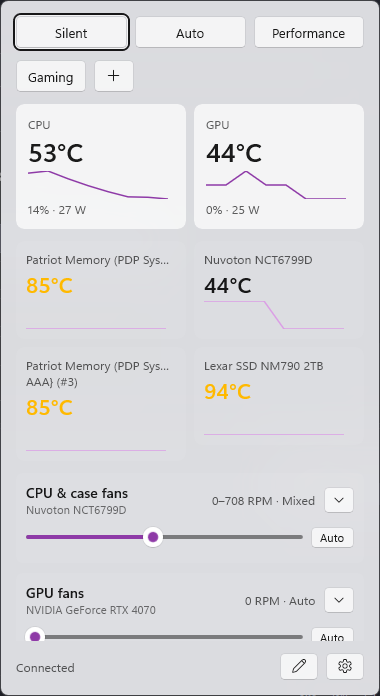
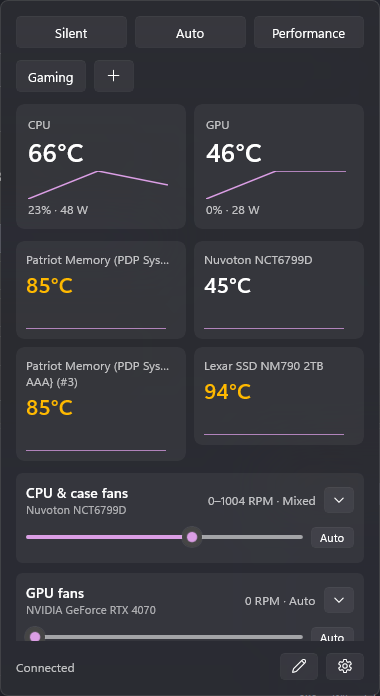
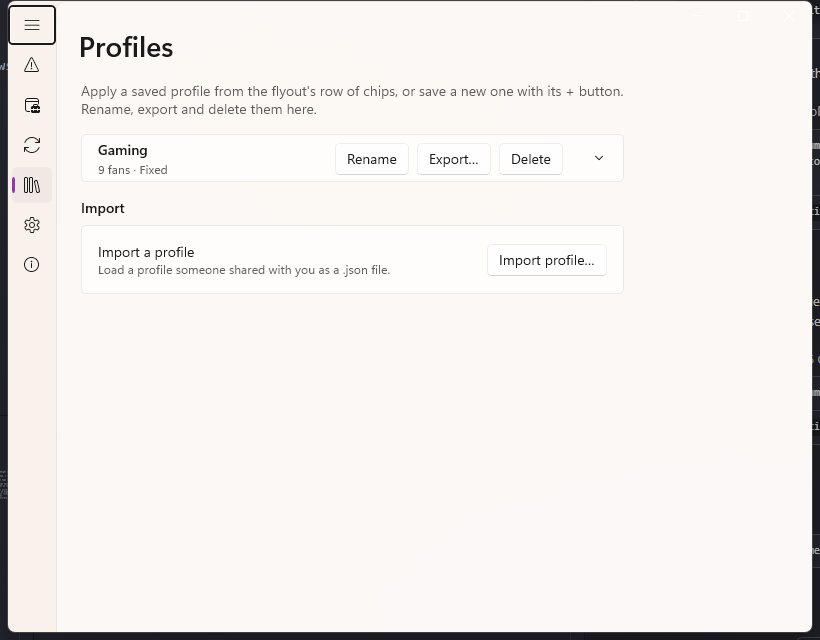
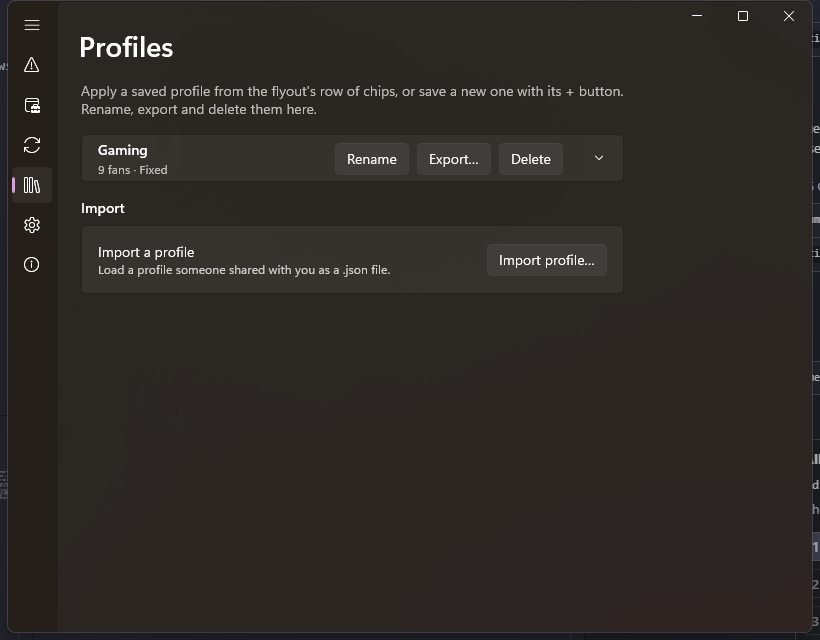
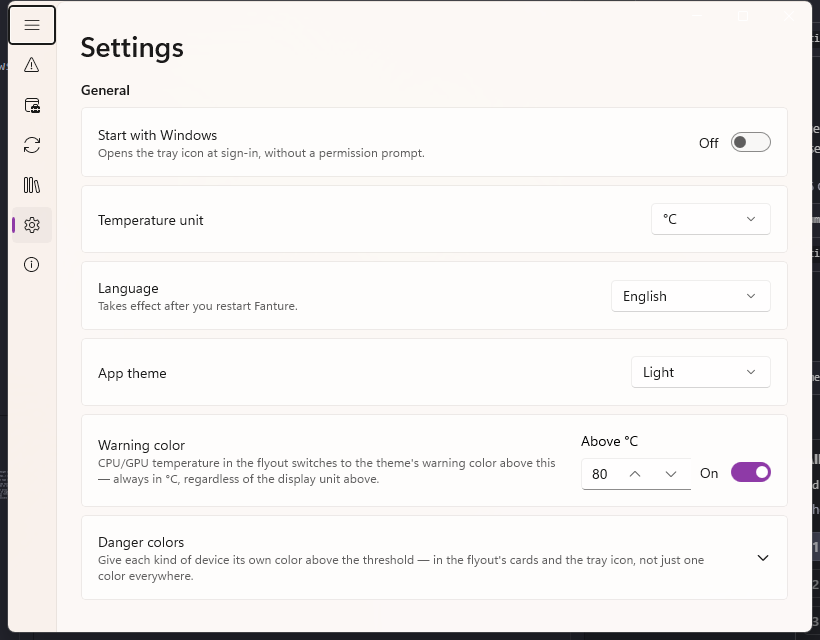
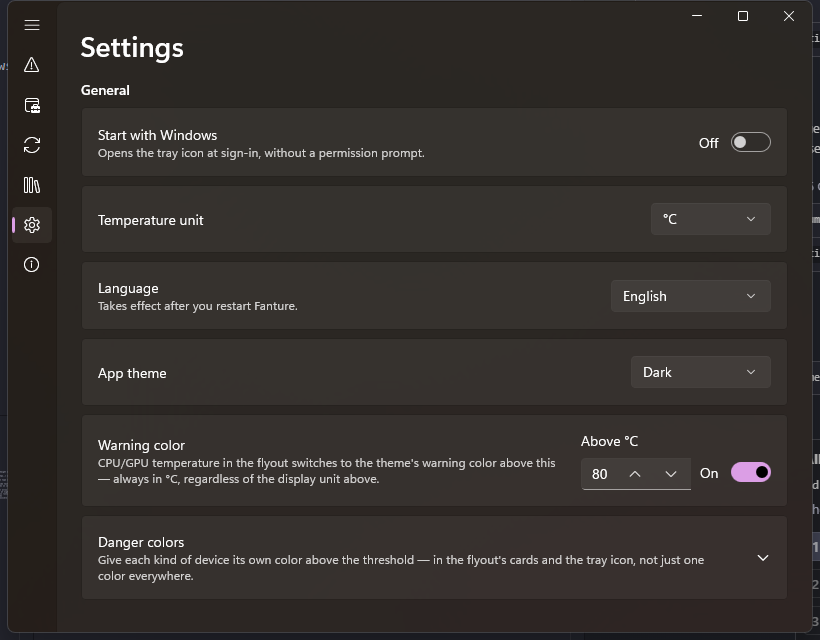
Tray flyout
What it does
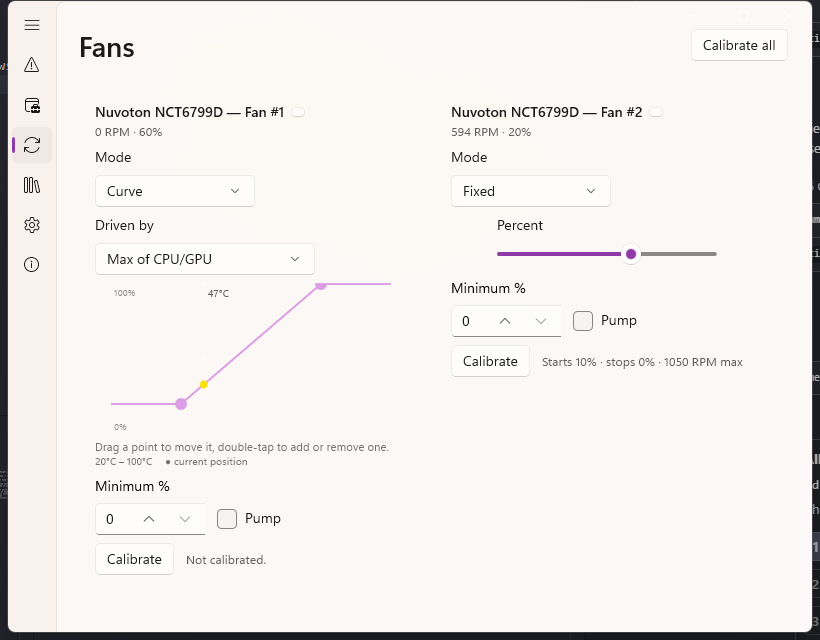
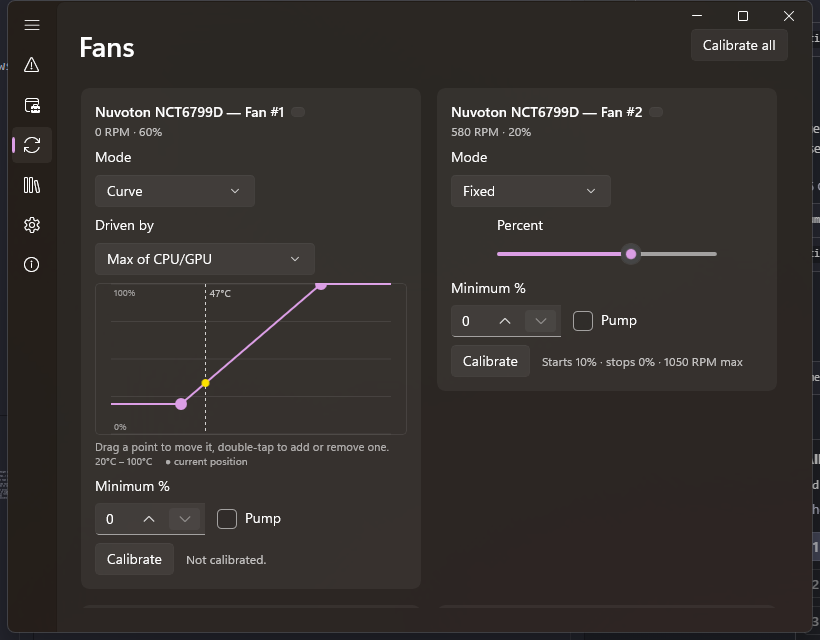
Curves, not fixed speeds
Drag points on a chart, driven by CPU, GPU, or any sensor the board exposes — liquid, motherboard, a drive.
Profiles that remember everything
Silent, Auto, and Performance out of the box; save your own with a click from the tray.
A 90°C failsafe that can't be turned off
If temperatures spike, every fan goes to full speed regardless of profile — no exceptions.
Per-fan minimums and pump protection
A curve can't accidentally stop a case fan or starve a liquid-cooling pump.
Is my hardware supported?
Control depends on the chip on your motherboard, not on Fanture — the app tells you on first run whether yours is one it can drive. A full hardware compatibility guide is on its way.
Download
Installer, checksum and requirements on the download page.
FAQ
Will Fanture work on my motherboard?
Fan control depends on the motherboard's sensor chip, not on Fanture itself. Documentation on checking your hardware is on its way — for now, the app tells you on first run.
Is it safe to let an app control my fans?
The 90°C failsafe always overrides your profile, and the service hands every fan back to BIOS/automatic control the moment it stops — on purpose or not.
Does it phone home or collect data?
No. The app itself is fully offline; this site's own analytics are cookieless and don't track you either.